Crypto Commerce
Dell Inspiron desk space planning with a separate iPad
A desk can hold a closed laptop, a tablet and a sheet of paper while still making the work awkward once the laptop is open. If you plan to type on the Dell Inspiron, consult a separate iPad and write on a paper reference, test that sequence on the surface you actually have. Start by marking the space left after objects that must stay on the desk. Use the listed laptop dimensions for an initial outline, obtain the tablet's dimensions, and then try the movements with the intended equipment if you can. A drawing answers whether objects appear to fit; the task trial answers whether you can use them without continually clearing space.
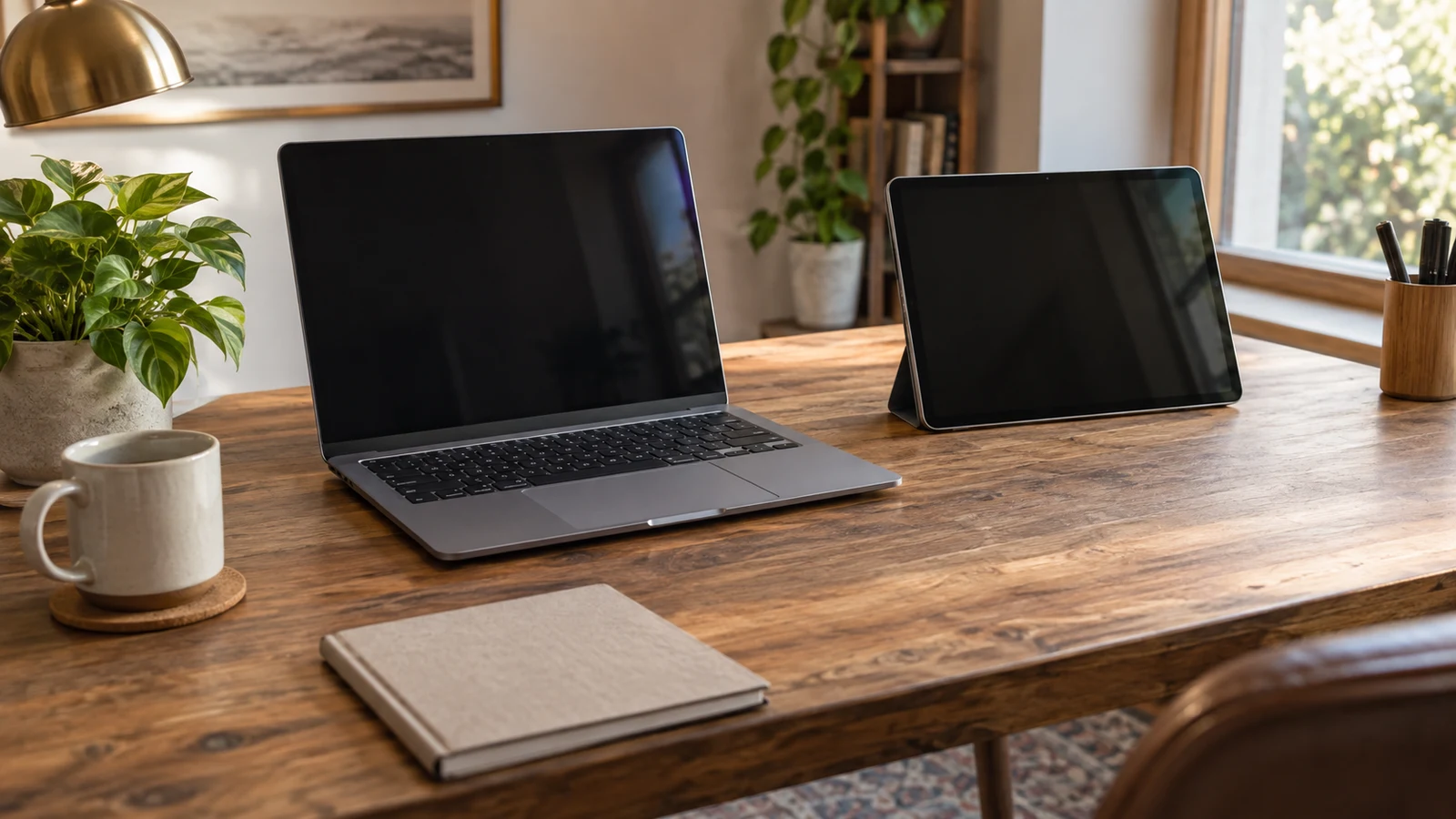
A desk can hold a closed laptop, a tablet and a sheet of paper while still making the work awkward once the laptop is open. If you plan to type on the Dell Inspiron, consult a separate iPad and write on a paper reference, test that sequence on the surface you actually have. Start by marking the space left after objects that must stay on the desk. Use the listed laptop dimensions for an initial outline, obtain the tablet's dimensions, and then try the movements with the intended equipment if you can. A drawing answers whether objects appear to fit; the task trial answers whether you can use them without continually clearing space.
IPad Desk Placement Starts With The Task
Picture a document open on the laptop and a separate reference open on the tablet. You read a passage on the tablet, type a response on the Dell and mark a note on paper. Which objects must remain visible and reachable while you do that? The answer may differ from a desk where the paper is only stored until the end. Keep the paper's working position in your plan, including where it goes when you turn or annotate it. A narrow spare strip that accommodates an unused sheet may disappear as soon as your hand needs room to write.
List what stays on the desk during this particular task before measuring anything. A lamp, a fixed organizer or another piece of equipment may occupy surface you cannot give to the three working objects. Other items can perhaps move to a shelf for the session, but count that as a choice you are willing to make, not as space already available. If the desk is shared, consider the ordinary arrangement you expect to use. Planning around an empty surface that you rarely have will give you a generous drawing and a frustrating first session.
Decide whether the tablet needs to remain in view while you write or whether you are content to move the paper over it temporarily. That preference changes the layout question. Likewise, a sheet you only check once can have a different place from a sheet you mark repeatedly. There is no universal arrangement to copy. Write one short description of your task, such as “read the reference, type a sentence, then annotate the sheet,” and use that same sequence to judge every candidate layout. You will then be testing the intended use rather than the appeal of a tidy photograph.
IPad Desk Placement On The Surface You Actually Have
Measure the usable top of your existing desk, then outline the area taken by objects that will remain there. Record the depth available where the open laptop would sit and the width remaining on each side, rather than relying on the desk's overall width. An inset, a raised section or an irregular edge can make a simple width-by-depth rectangle misleading. A rough sketch with the measured boundaries is enough for a first pass; it need not be a scale drawing. Mark spots you cannot confidently use as unknown instead of counting them twice in the available area.
Include the paper at the size you will actually handle. If your reference is a loose sheet, set down a representative sheet rather than estimating from memory. If you plan to write on it, leave the page in its writing position while you check the space for the tablet. The point is to see whether the three jobs compete for one patch of desktop. An outline may show an empty gap between the objects but say little about whether you must lift the tablet whenever you need to turn a page.
Keep a distinction between a measurement and an allowance you still need to determine. You can measure an unobstructed patch of desktop today; you cannot derive every open-lid, cable or operating-space requirement from a product's closed-case dimensions. Note where such questions affect the sketch and consult the instructions for the exact equipment before treating that patch as usable. If the information remains unavailable, leave that part of the layout provisional. An honest unresolved edge is more useful than a precise-looking drawing built on an assumed clearance.
IPad Desk Placement And A Laptop Paper Outline
The Dell Inspiron desk space planning product listing states dimensions of 14.11 x 9.27 x 0.74 inches. For Dell Inspiron desk space planning, those figures can start a paper outline of the laptop's closed footprint once you confirm which listed measure runs across the desk and which runs front to back. Cut or mark a rectangle according to the verified orientation, then try more than one position within the measured surface. The listed height is a case measurement; it does not tell you how far the opened screen reaches or what surrounding space the device needs in use.
Lay the outline where you expect the laptop to operate, with the paper and a proposed tablet position beside it. This can reveal an obvious conflict before you obtain either device: perhaps the paper occupies the only place where the tablet could stay visible. It cannot demonstrate that the lid opens as you need, that cables fit the proposed arrangement or that you can perform the task comfortably. A paper rectangle has no raised screen and does not require you to move your hands between objects. Treat it as a filter for layouts worth trying, not as evidence that a purchase will suit the desk.
If you already have the intended laptop, place it in the proposed position and open it for the task. If you do not, seek the exact configuration's dimensions and instructions, or a chance to see that configuration open, rather than assuming that another laptop of similar screen size behaves the same way. Do not infer a cable's direction or reach from the listing. Record such details as questions if they matter to where the laptop can sit. A desk sketch can accommodate verified measurements later without pretending that the missing information is already settled.
IPad Desk Placement For A Separate Reference
The approved iPad desk placement listing identifies a refurbished sixth-generation A1893 tablet. Its supplied description does not give physical dimensions or establish that a desk stand is included. Before drawing its occupied area, obtain the dimensions for the intended unit. If you would use a separate support, identify the support you would actually choose and account for the space it occupies too. Without that information, a little rectangle labeled “tablet” on the sketch is a placeholder, not a verified fit.
Make the tablet's proposed position serve the reference task. A flat placement might consume a different patch of desktop from a supported position, but do not assume one takes less usable space until you know the equipment and try it. Leave enough uncertainty on the sketch to accommodate how you would consult the separate device while working on the laptop. This article treats the iPad as its own reference screen. Its presence beside the Dell establishes no display extension, shared controls or document synchronization between them; those would be separate technical questions.
If you cannot obtain the intended tablet or support to try on the desk, test the proposed area with a correctly sized outline only after you have confirmed the measurements. Put a real sheet of paper in its working position during that trial. An outline may tell you where the tablet's base or body could go, but it will not reproduce the way you consult it or the space any separate support needs. Keep “tablet dimensions confirmed,” “support arrangement confirmed” and “task tested” as different entries in your notes so one successful check does not stand in for all three.
IPad Desk Placement During The Writing Movement
With the intended equipment available, set up the desk as you normally would. Read something on the separate tablet, turn back to the laptop to type, and then bring the paper to the position where you would mark it. Repeat the sequence rather than performing each action once in isolation. Watch for the first object you have to lift, cover or slide away. The moment matters more than whether the initial arrangement looks orderly. A setup that works for reading alone may require a different distribution of space once the paper becomes an active part of the task.
Suppose the laptop, tablet and paper all fit when you first set them down. You pull the sheet forward to write, and it covers the tablet you still need to consult. In that hypothetical case, the original outlines were accurate as far as they went; they simply omitted a movement. Try a different placement for the paper or tablet and run the same sequence again. If every plausible position requires you to hide the reference or move the laptop, note the unresolved space requirement. That result describes your desk and task, not a universal defect in either product.
Pay attention to what you are willing to change. Moving an organizer off the desk for every session may be reasonable for you, while clearing the paper each time you consult the tablet may interrupt the very work you are planning. The distinction belongs in your decision notes. Avoid declaring a layout successful merely because you can force a single pass through the sequence. Try the normal amount of paper handling you expect and notice whether the arrangement survives it. If the equipment is unavailable, label this step untested; a drawing cannot replace an observed movement.
Multi-Monitor Document Review After The Space Check
Write down three kinds of findings before deciding what to buy. First, record the measured free surface and any fixed objects you retained. Next, record what happened when you tried the read-type-annotate sequence, including any item you had to move. Finally, list what remains unknown: the tablet's dimensions if you have not confirmed them, a proposed support's footprint, and any open-lid or operating-space information needed for the Dell. This record lets you revisit the decision without turning a rough estimate into a claimed product specification.
A useful purchase question is specific: “With my existing desk and the paper in its writing position, can the listed Dell operate alongside the separately placed A1893 tablet without covering the reference?” If your answer rests only on paper outlines, say so. If you have tried both intended devices, describe the movement that worked and the one that did not. For Dell Inspiron desk space planning, the difference between those two answers is consequential. One estimates occupancy; the other reports whether the arrangement supported the particular sequence you want to perform.
Physical space is only the question this check answers. If your next task is to keep a baseline document, proposed changes and notes distinct across several screens, the guide to multi-monitor document review addresses that document-handling problem. A separate iPad beside a laptop is not, by itself, a connected multi-monitor setup. Use that related guide for the document workflow if it applies, and keep any device-connection questions separate from the measurements and movements in your desk notes.
Return to the two product listings with your measured area and unanswered questions in hand. Confirm the exact laptop orientation and open-use requirements, establish the intended iPad's dimensions and any support you would need, and try the full task where possible. If a dimension or trial cannot be confirmed, keep the decision conditional rather than treating a tidy layout as proof. The purpose of the check is modest and practical: to know what your existing surface can support during the work you intend to do, and exactly which part you have yet to test.